Best IPTV Apps for Smart TVs
Comparison of Smart IPTV, IPTV Smarters, TiviMate, and other top apps for Samsung, LG, and Android TVs.
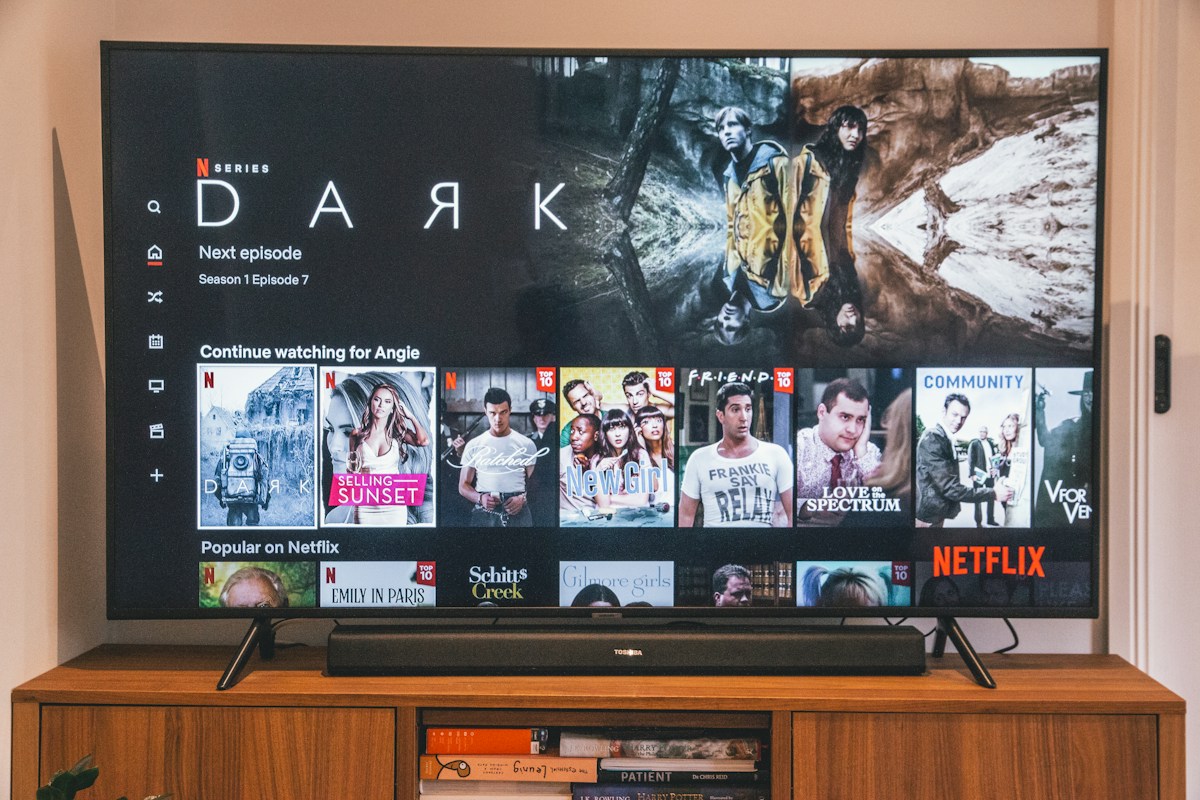
Modern smart TVs from Samsung, LG, Sony, and Hisense run sophisticated operating systems that natively support IPTV applications, eliminating the need for an external streaming stick or box. However, the available IPTV app ecosystem varies significantly by TV brand and operating system — Samsung Tizen, LG webOS, Google TV/Android TV, and Fire TV each have different app availability and installation methods. This guide covers the best IPTV apps for each major smart TV platform and how to configure them with BestIPTV UK.
Samsung Smart TV (Tizen OS)
Samsung smart TVs running Tizen OS have a limited official app store, but two excellent IPTV apps are available: Smart IPTV (SIPTV) and IPTV Smarters. Smart IPTV is arguably the most popular Samsung TV IPTV app — install it from the Samsung App Store, launch it, and note the device's MAC address displayed on screen. Enter this MAC address in the Smart IPTV website to link your M3U URL (this is a one-time setup). IPTV Smarters Pro is also available for Samsung and offers a more feature-rich experience including Xtream Codes support, multi-stream capability, and EPG integration.
Pro Tip: Samsung TVs manufactured after 2020 support IPTV Smarters Pro natively from the Samsung App Store. For older models, Smart IPTV (SIPTV) is the more reliable option.
LG Smart TV (webOS)
LG's webOS platform supports both Smart IPTV and IPTV Smarters, available directly from the LG Content Store. The setup process mirrors Samsung: search for IPTV Smarters in the LG Content Store, install, and log in with your BestIPTV UK Xtream Codes credentials. LG's Magic Remote with pointer control makes navigating IPTV channel grids particularly intuitive. For the best EPG experience on webOS, enable the built-in EPG feature within IPTV Smarters settings and enter the BestIPTV UK EPG URL provided in your credentials email.
Sony/Android TV and Google TV
Sony TVs running Android TV or Google TV have access to the Google Play Store, which contains TiviMate — widely considered the best IPTV app available on any platform. TiviMate's Android TV interface is designed specifically for TV screens with large channel thumbnails, intuitive remote navigation, and a TV Guide layout that shows multiple channels' schedules side by side. After installing TiviMate from the Play Store, open it, select 'Add Playlist' > 'Xtream Codes', and enter your BestIPTV UK credentials. The free version is fully functional; TiviMate Premium (one-time purchase) adds recording, multiple playlists, and catch-up TV.
Hisense and TCL (VIDAA/Roku TV)
Hisense TVs running VIDAA OS have limited native IPTV app support. The best approach is to install a streaming stick (Amazon Firestick or Chromecast with Google TV) into one of the TV's HDMI ports and use that as your IPTV device. Alternatively, Hisense VIDAA TVs support Smart IPTV through the built-in app store on some models. TCL TVs running Roku OS face similar limitations — an external device is recommended for the best IPTV experience.
Getting the Most from Smart TV IPTV
Regardless of your smart TV platform, several configuration steps will significantly improve your IPTV experience. Always connect via Ethernet rather than Wi-Fi when the TV is wall-mounted close to your router. Enable hardware video decoding in your IPTV app settings to use the TV's built-in H.265 decoder rather than software decoding. Set the display refresh rate to 50Hz (for UK content broadcast at 25/50fps) rather than 60Hz to prevent judder on live sports broadcasts. Finally, check that your TV's HDR settings are appropriate for your IPTV stream quality — HDR10 or HLG for compatible 4K channels.
- Use Ethernet over Wi-Fi for wall-mounted TVs
- Enable hardware H.265 decoding for 4K streams
- Set display to 50Hz for UK sports broadcasts
- Add favourite sports channels to a custom group in TiviMate
- Enable parental controls for children's profiles
Ready to start streaming?
Join thousands of BestIPTV UK subscribers. Free 24-hour trial — no credit card required.
Start Free Trial📺 Looking for a reliable IPTV service in the UK?
BestIPTV UK offers 12,000+ live channels including Sky Sports, TNT Sports, Premier League and UFC PPV — from £15/month with a free 24-hour trial.